

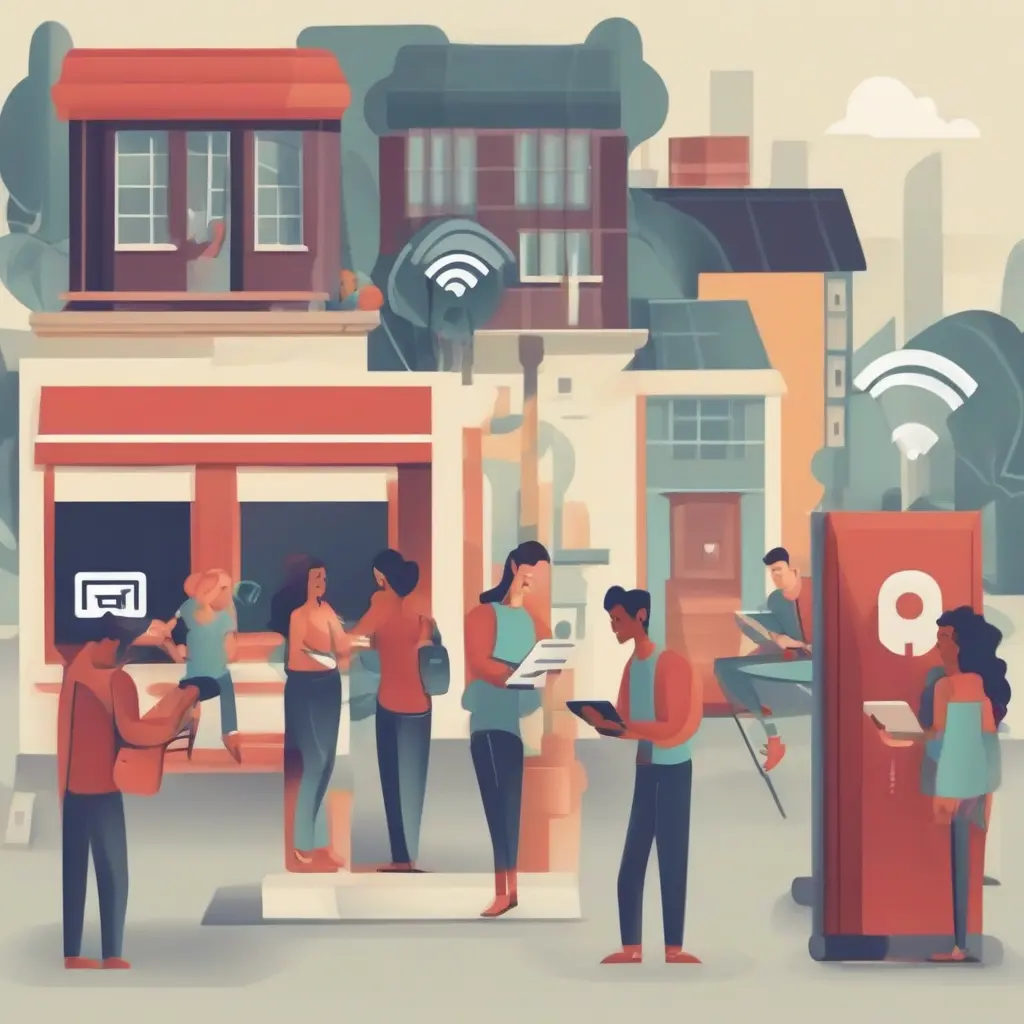
Public Wi-Fi networks offer convenience but pose significant risks to your personal data and privacy. Many people access these networks without understanding the potential dangers, leading to unauthorized access, data breaches, and identity theft. This article outlines essential steps to protect your mobile device while using public Wi-Fi, providing valuable tips to ensure safe internet browsing. By following these guidelines, users can enjoy the benefits of public networks while minimizing risks associated with security vulnerabilities.
Understanding the Risks of Public Wi-Fi
Public Wi-Fi networks are often unsecured, meaning they lack encryption and safeguards that protect your data. This vulnerability allows cybercriminals to intercept communications, making it easy for them to steal sensitive information such as passwords and financial details. Another risk is the existence of rogue hotspots that mimic legitimate networks, tricking users into connecting and exposing their devices to various threats. Understanding these risks is crucial for implementing effective protection strategies while using public Wi-Fi.
Use a VPN for Enhanced Security
A Virtual Private Network (VPN) creates a secure connection between your device and a remote server, encrypting your internet traffic. By using a VPN when accessing public Wi-Fi, all the data transmitted becomes unreadable to potential hackers. This added layer of security prevents unauthorized access to your sensitive information, making it significantly harder for cybercriminals to intercept your communications. Choose a reputable VPN service that prioritizes privacy to ensure the best protection while using public networks.
Keep Your Software Updated
Regularly updating your mobile device’s operating system and applications is vital for maintaining security. Updates often contain patches that fix vulnerabilities cybercriminals could exploit. By neglecting updates, you leave your device open to attacks that can compromise your data. Enable automatic updates whenever possible to ensure your device is always running the latest software. This proactive step helps to enhance security and safeguard your personal information while using public Wi-Fi.
Disable File Sharing and Network Discovery
When connected to a public Wi-Fi network, it is advisable to disable file sharing and network discovery features. These settings allow other devices on the network to access shared files, increasing the risk of unauthorized access to your data. Go to your device settings and turn off options that promote sharing and visibility to other users. Doing so adds an extra layer of security by preventing unwanted interactions with your device, making it less likely to be targeted by malicious actors.
Use HTTPS Sites for Secure Browsing
When accessing websites, always look for ‘HTTPS’ in the URL. The ‘S’ stands for secure, indicating that the site encrypts data exchanged between the server and your browser. This encryption helps protect your information, making it difficult for hackers to intercept data during transmission. Whenever possible, prioritize visiting HTTPS sites, especially for transactions or when entering personal information. Using secure websites is a fundamental practice to enhance your safety while browsing public Wi-Fi networks.
Avoid Accessing Sensitive Information
While on public Wi-Fi, it’s wise to avoid accessing sites that require sensitive information, such as online banking or sensitive email accounts. If you must check your bank account, consider using your mobile data instead of public Wi-Fi. Engaging in high-risk activities can expose you to threats, as your data may be intercepted while being transmitted over an unsecured connection. Prioritizing safety means being cautious about what information you access when connected to public networks.
Turn Off Wi-Fi When Not in Use
Another important practice is to turn off Wi-Fi on your mobile device when not in use. Leaving Wi-Fi enabled allows your device to automatically connect to available networks, which may include unsecured or malicious ones. By disabling Wi-Fi, you eliminate the risk of accidental connections to harmful networks. Make it a habit to switch off Wi-Fi when navigating areas without trustworthy networks, helping you maintain control over how and when your device connects to the internet.
Use Two-Factor Authentication
Implementing two-factor authentication (2FA) on your accounts adds an additional layer of security. This method requires you to provide a second form of verification, such as a text message code, in addition to your password. Even if a hacker manages to acquire your password via a public Wi-Fi network, they will be unable to access your account without the second factor. Many services offer 2FA as a standard security measure; enabling it significantly enhances your protection while using public Wi-Fi.
Be Wary of Public Charging Stations
Public charging stations can pose risks similar to public Wi-Fi networks. Cybercriminals may install malicious software on these charging ports, giving them access to your device while charging. Using a personal power bank or carrying your charger is a safer alternative, as it reduces the chances of connecting to compromised stations. Avoiding direct connections to public USB ports or power outlets helps protect your device from malware and unauthorized access while accessing essential power.
Understand Data Privacy Policies
Before connecting to a public Wi-Fi network, familiarize yourself with its data privacy policies. Many establishments may collect user data for marketing purposes or to provide free internet access. Reviewing these policies helps you understand what information may be collected and how it will be used. Awareness of your rights regarding data privacy empowers you to make informed decisions about using different networks, minimizing the risk of unwanted data sharing when accessing the internet.
Conclusion
Safely accessing public Wi-Fi requires vigilance and proactive measures to protect your personal data. By utilizing VPNs, keeping your device updated, and practicing cautious browsing habits, you can substantially reduce the risks associated with public networks. Implementing these strategies ensures a secure online experience while allowing you to enjoy the convenience of public Wi-Fi. Always prioritize your data privacy to enjoy safer browsing in public spaces.







